
Your buyers don't want to know how your software works. They want to know what it does for them, and they want to understand it in the first minute.
That's hard when the product lives behind a login, the value sits in a dashboard, and the people signing off aren't the people who'll use it. A SaaS explainer animation closes that gap. It shows the problem, the moment your software solves it, and what life looks like afterwards, in a format people actually finish.
Why software is hard to explain
Software has three problems physical products don't. You can't hold it, so there's nothing to show in a photo. The interface changes every few months, so screen recordings date quickly. And the buying group is mixed: an operations lead cares about workflow, a finance director cares about cost, and IT cares about security and data.
A live demo covers all of that, but it takes 30 minutes and needs your sales team in the room. An explainer does the first part of that job on its own, on your website, in your outreach and at the start of every pitch.
What a good SaaS explainer does
- Starts with the problem, not the product. If the viewer recognises their own frustration in the first ten seconds, they keep watching.
- Shows the outcome, not every feature. Pick the two or three things that win deals and leave the rest for the demo.
- Simplifies the interface. A stylised version of your UI keeps the focus on what matters and doesn't date the moment you ship an update.
- Has one clear next step. Book a demo, start a trial, talk to sales. One ask, not four.
2D or 3D?
2D animation suits most software: workflows, dashboards, data moving between systems and people using the product. It's quicker to produce and easy to keep on brand.
3D earns its place when you need a metaphor, a physical product alongside the software, or a more premium feel for a launch. It's the better choice when the idea is abstract and needs a strong visual hook.
Case study: Taskize Mailbox Analyser
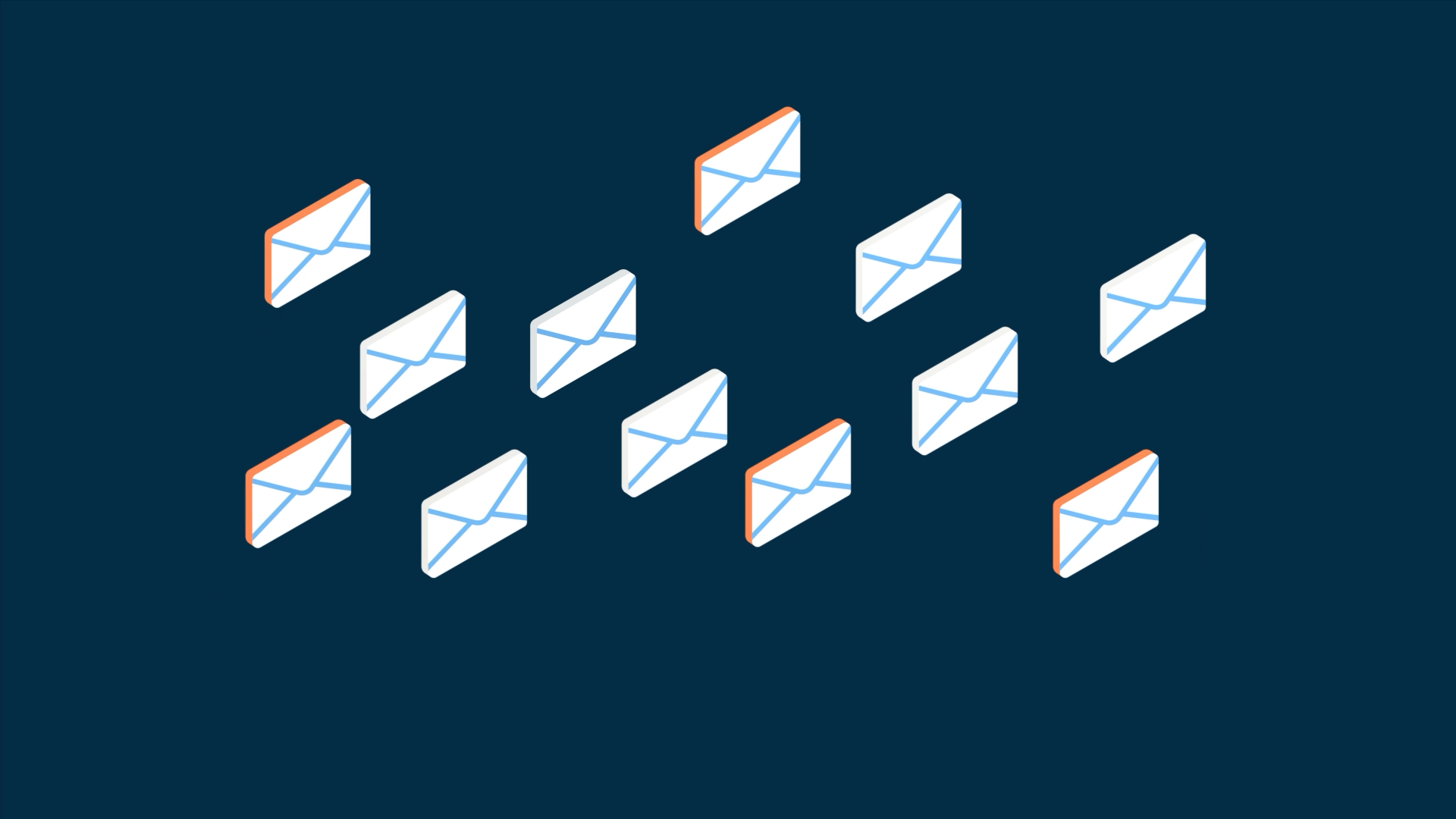
Taskize needed to explain Mailbox Analyser, a SaaS tool that turns disorganised post-trade email traffic into actionable insight. The concepts were technical and the audience ranged from operations staff to senior managers.
We produced a 2D explainer in a clean isometric style using Taskize's existing brand assets. It breaks down the workflow, shows where the bottlenecks and inefficiencies sit, and then shows how Mailbox Analyser resolves them. See the Taskize project.
Case study: Silico AI
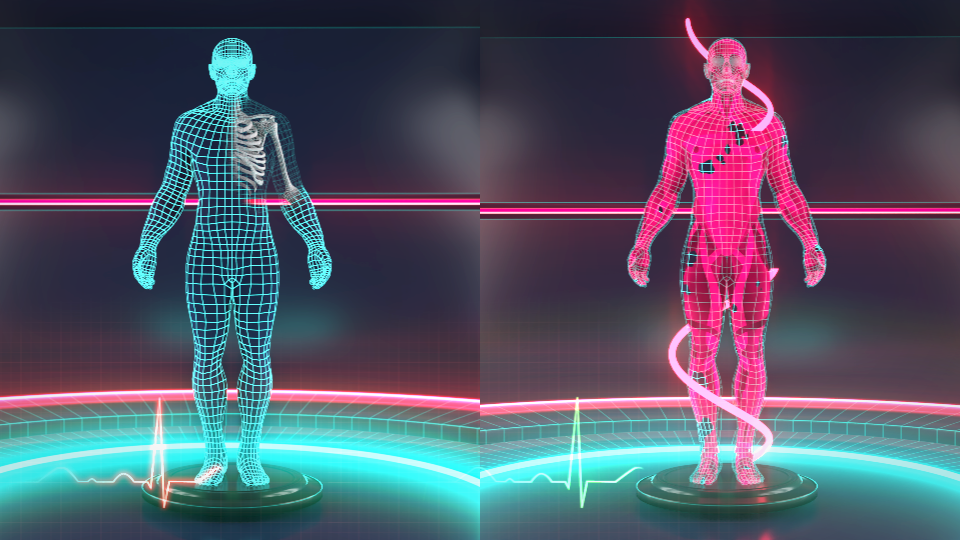
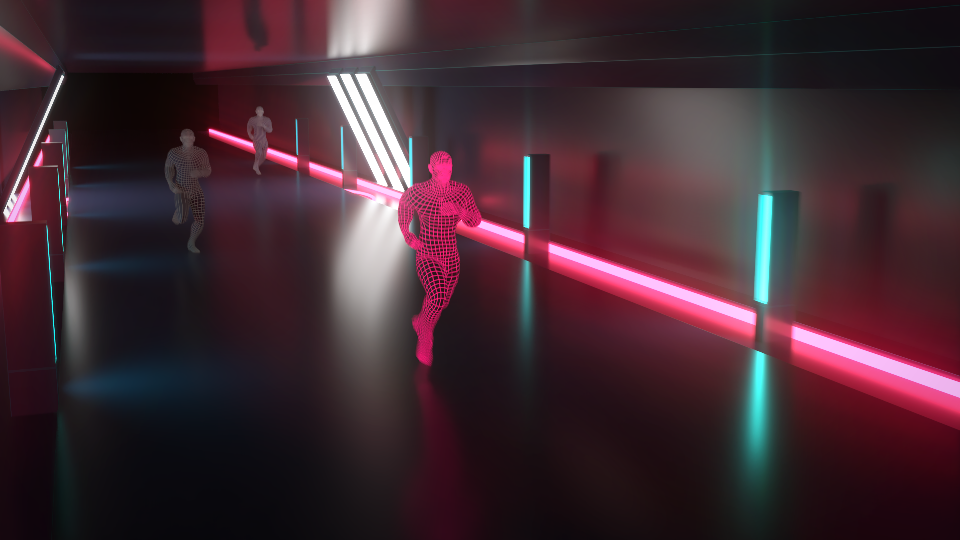
Silico came to us to explain Business Process Simulation and Digital Twin tooling, which is about as abstract as software gets. They had an idea for the core analogy: the human body, where processes working together make the whole stronger.
We developed that into a modern, striking 3D animation that matched their branding. As their Marketing Manager, Gemma Hughes, put it: "Their team skillfully crafted a visually stunning and futuristic video that brilliantly showcased our Business Process Simulation and Digital Twin tooling." See the Silico AI project.
Where to use your explainer
- Homepage and product pages, so visitors get the point before they scroll.
- Sales outreach and proposals, as a link that does the first explanation for you.
- The start of a demo, so the call can go straight to the buyer's questions.
- Investor and partner pitches, where nobody has time to learn your interface.
- Onboarding, to show new users what good looks like before they start.
- Social cut-downs, short versions for LinkedIn built from the same animation.
Frequently asked questions
How long should a SaaS explainer be?
Usually 60 to 90 seconds for a main explainer. Long enough to show the problem, the solution and the result. Shorter cut-downs work well for social and email.
Can you work from our actual interface?
Yes. We work from screenshots, screen recordings or your design files, then simplify the UI so the important parts stand out.
What happens when our product changes?
We design the interface in a stylised way so minor updates don't make the video look out of date. If a major feature changes, individual scenes can be updated without remaking the whole film.
How much does it cost?
It depends on the length, style and how many versions you need. See our pricing for typical starting points.
Explain your software in a minute
Whether it's a new launch or a product your sales team keeps having to explain from scratch, we can help. See our 2D animation and 3D animation services, or contact us to talk it through.